Labels from your registered premises
Parcel labels and packing slips go out from your registered premises, read from the register when they are printed, unless your admins set a different sender address.
For pharmacy groups
Clinics on Pathlyn send orders only after clinical approval, verified payment and prescription authorisation. Your team works them in your Pharmacy portal, or your own system receives them by API.
Structured handoff
Pathlyn prepares an order only after clinical approval, verified payment and prescription authorisation are all recorded. Then it is sent once: automatically where the clinic has switched that on for the service, otherwise by authorised staff.
Clinical approval
Recorded once by a prescriber with a verified registration.
Verified payment
One paid order, whether the clinic takes payment at submission or after approval.
Prescription authorised
A separate, audited step by a verified prescriber.
Sent once
Automatically on signing where the clinic switches it on, otherwise by authorised staff.
Your pharmacy
In its Pharmacy portal, or in its own system by API.
Dispensing in your own pharmacy
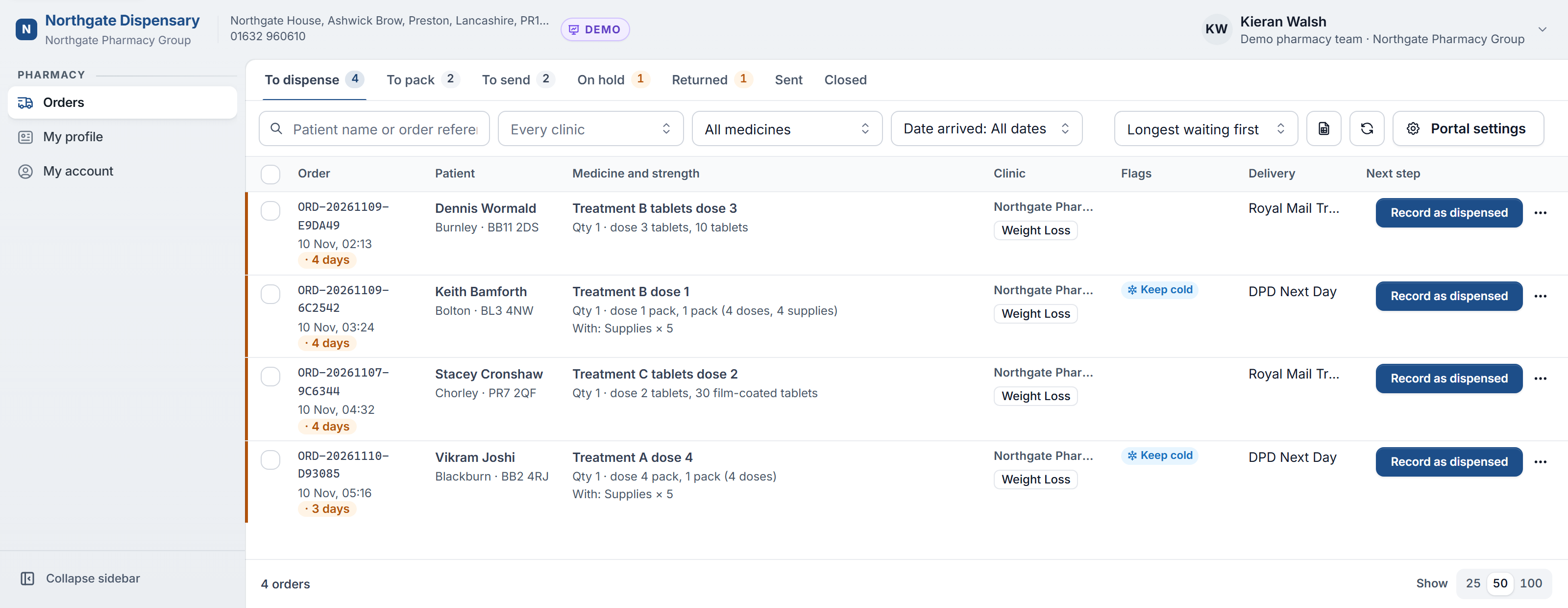
In the Pharmacy portal, Record as dispensed is never a single click: it records the pharmacist’s clinical and accuracy check with their GPhC number and each pack’s batch and expiry, and refuses an expired batch. Filter to one medicine and strength to dispense a batch under one check. An order you cannot supply goes back to the clinic with a reason.
Your Pharmacy portal
No new carrier account and no address to type in. Your portal starts from your registered premises and works with the carrier you already use, and your admins change the rest in Portal settings.
Labels from your registered premises
Parcel labels and packing slips go out from your registered premises, read from the register when they are printed, unless your admins set a different sender address.
Your own carrier, or Pathlyn’s labels
Delivery services are optional. Post with your own carrier and record the carrier and tracking number, and the patient gets a link to the carrier’s tracking page. Or print Pathlyn’s parcel labels and export the parcels for your carrier’s tools.
Cold chain, confirmed
A parcel that must travel cold is packed only with its cold pack confirmed. Sent without a cold-chain delivery service, it is marked sent only with your confirmation that it went by a cold-chain method, recorded on the order.
Your pharmacy’s own record
See what Pathlyn holds about your pharmacy, keep its contacts, details and capabilities up to date, and share documents with Pathlyn, from your portal. Your admins also see its own Metrics: what arrived and was sent, how fast, and what was held, by medicine, clinic and service.
Your team, by invitation
Your staff join the portal by an emailed invitation only, and every prescription anyone opens or prints there is recorded in the audit log.
Network orders, once agreed
As a Pathlyn network pharmacy, you receive a clinic’s orders only once its arrangement with you has started, recorded with your emailed confirmation. Terms and money stay between you and the clinic.
Operating model
Prescribing model
Most organisations deliver their services with their own prescribers, whom they onboard and check, and Pathlyn records each prescriber’s verified registration. Where an organisation struggles to find prescribers, Pathlyn can make prescribers from its own network, trained across its services, available by arrangement, and checks their registrations itself. The organisation remains the provider of its services.
Locations
Each brand or pharmacy in a group runs as its own organisation on Pathlyn, with video and phone consultations by its own prescribers. Pathlyn does not promise branch management or in-pharmacy appointments today.
Governance
Multiple organisation workspaces
Every organisation on Pathlyn is isolated: its staff, patients and data never cross into another’s.
Service versions, signed off by name
Each organisation runs its own copy of a service. A change to its questions, medicines, rules or documents is a new version, signed off and published by the organisation’s Clinical lead.
Ready to prescribe, prescriber by prescriber
A prescriber needs a verified, in-date registration to review or sign. Ready to prescribe lists what still stops each one, such as indemnity, training or competencies, and flags indemnity about to lapse.
Problems in one place
Payment, prescription and pharmacy problems appear in one operations view for each organisation.
Independent verification before a first supply
Where a service needs it, an order cannot be approved, prescribed or sent until a verification is recorded: a video weight and ID check, in person, clinical records, the GP or a previous provider.
Standards-based clinical records
Each organisation’s records are held in HL7 FHIR R4, in a record store of its own, with medicines from NHS dm+d.
NewPatient app
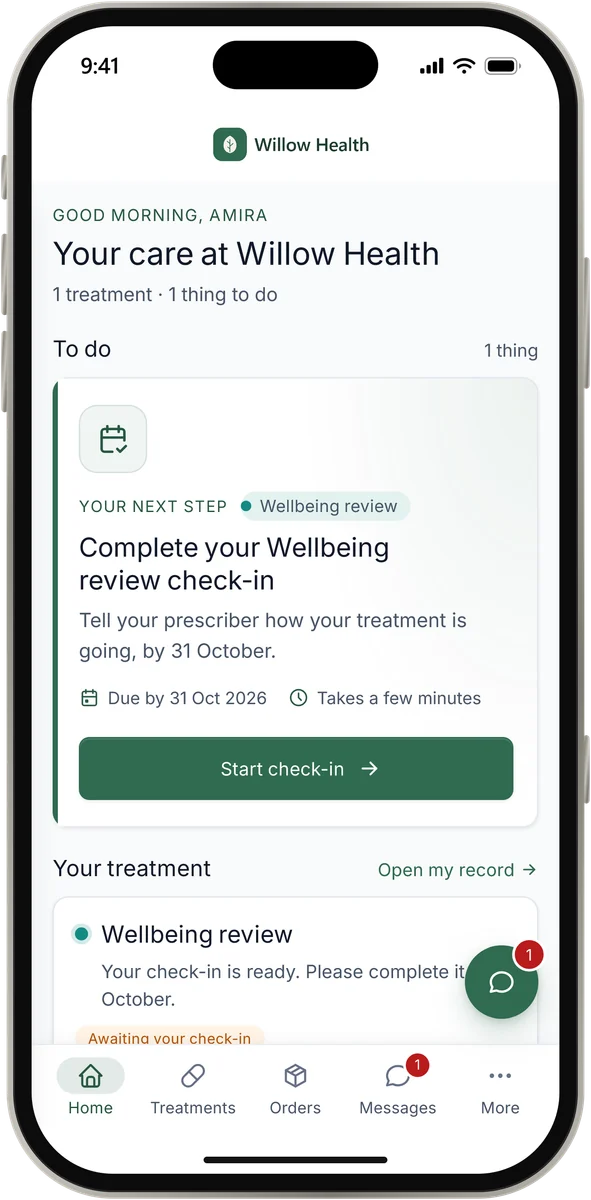
Every organisation in your group gets its own patient app, with its own name and icon, installed from its portal without an app store. Notifications never show anything private.
Included at no extra cost.
See the patient app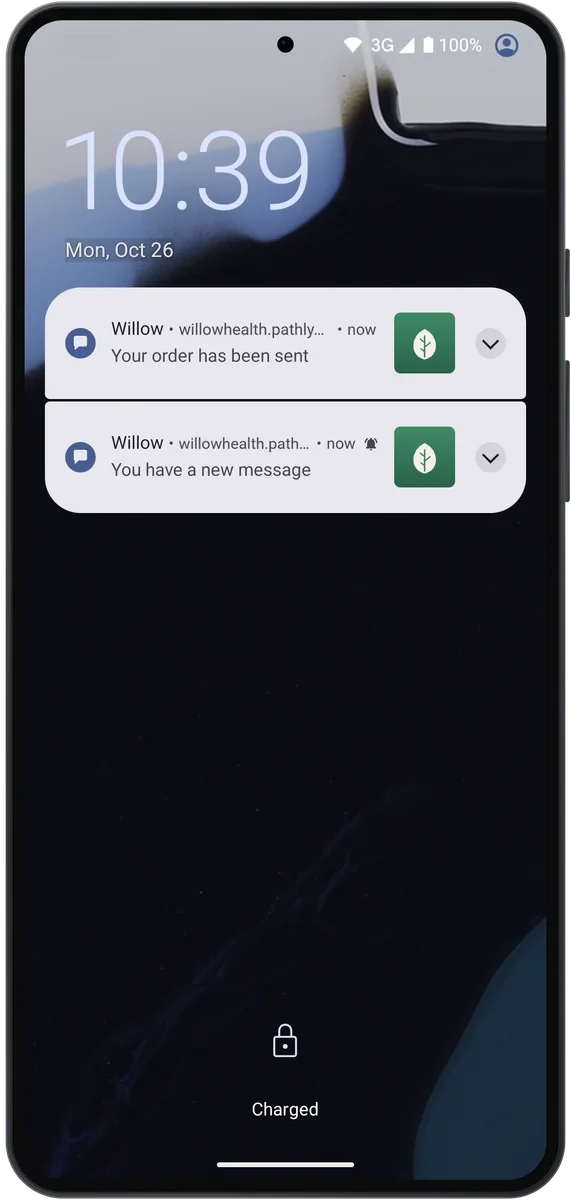
Work orders in your Pharmacy portal or receive them in your own system by API. Clinics that use the Pathlyn pharmacy network agree their terms with the pharmacy directly.