A complete service
Questionnaires, eligibility rules, the medicines and other items, messages, how it runs and a risk assessment, ready for you to make your own.
For clinic founders
Bring your prescribers, your pharmacy and your brand. Pathlyn gives you a complete, clinically reviewed service to start from, a risk assessment to sign off and the platform that runs every order, so you can spend your time on marketing your clinic.
What you start with
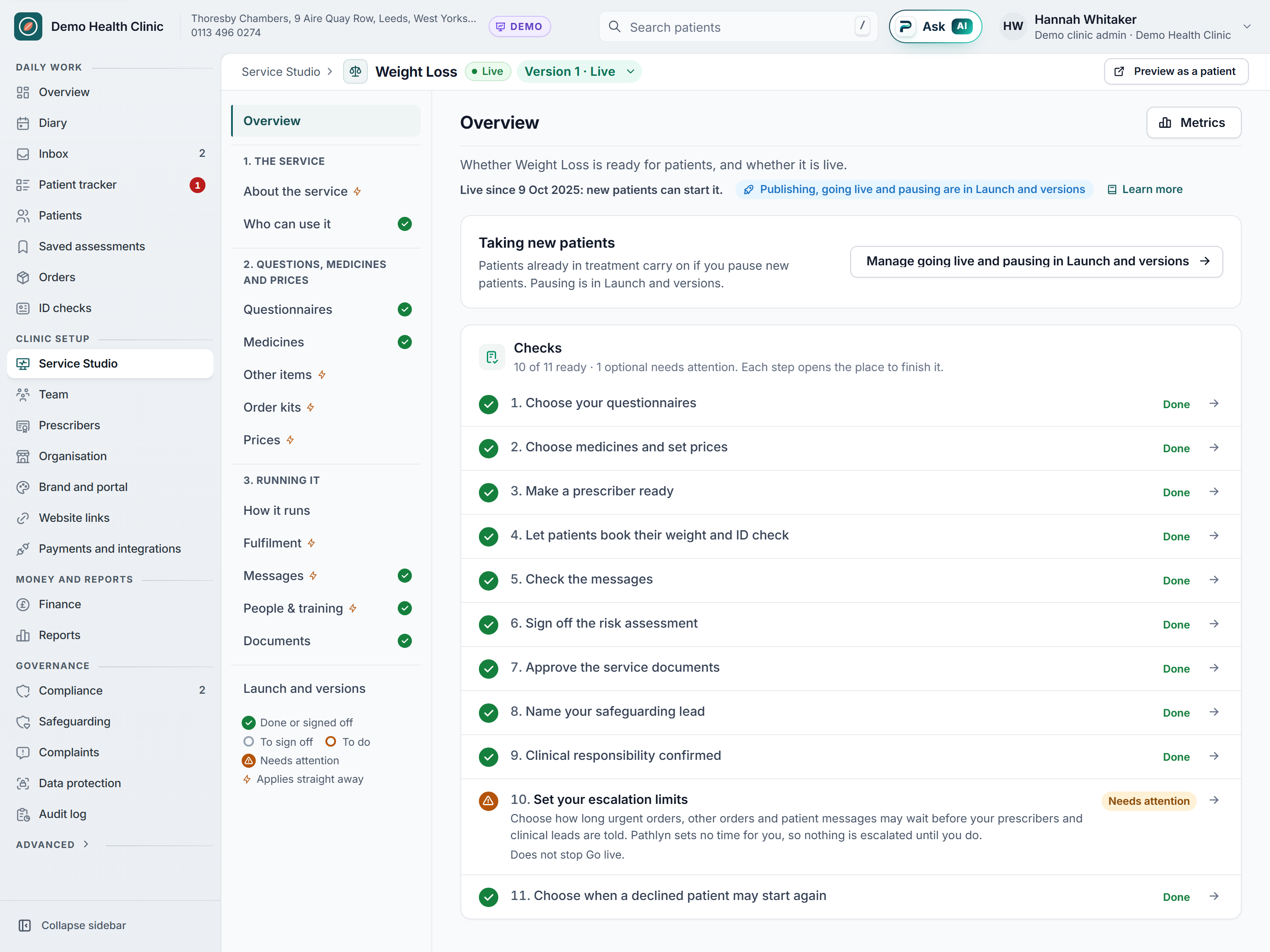
Pathlyn builds each service once and reviews it clinically before any clinic can license it. Your clinic takes its own copy and changes what it needs.
A complete service
Questionnaires, eligibility rules, the medicines and other items, messages, how it runs and a risk assessment, ready for you to make your own.
Versions you sign off
Your copy starts as Version 1. Your Clinical lead signs off its clinical sections and publishes it; later changes to its questions, medicines, rules or documents come as new versions.
A risk assessment to sign off
Start from Pathlyn’s register for the service; your Clinical lead reviews it and signs it off before you go live.
Updates when you choose
A newer version from Pathlyn changes nothing until you take it into a new version of your own, keeping your changes.
Records on healthcare standards
Clinical records in HL7 FHIR R4, in a store of your own, and medicines from NHS dm+d.
Dispensing your way
Use the Pathlyn pharmacy network, or your own pharmacy, which works your orders in its Pharmacy portal.
NewPatient app
No developers and no app store. Your portal installs on patients’ phones as your clinic’s own app, with your name and icon, quick unlock and notifications that never show anything private.
Included at no extra cost.
See the patient app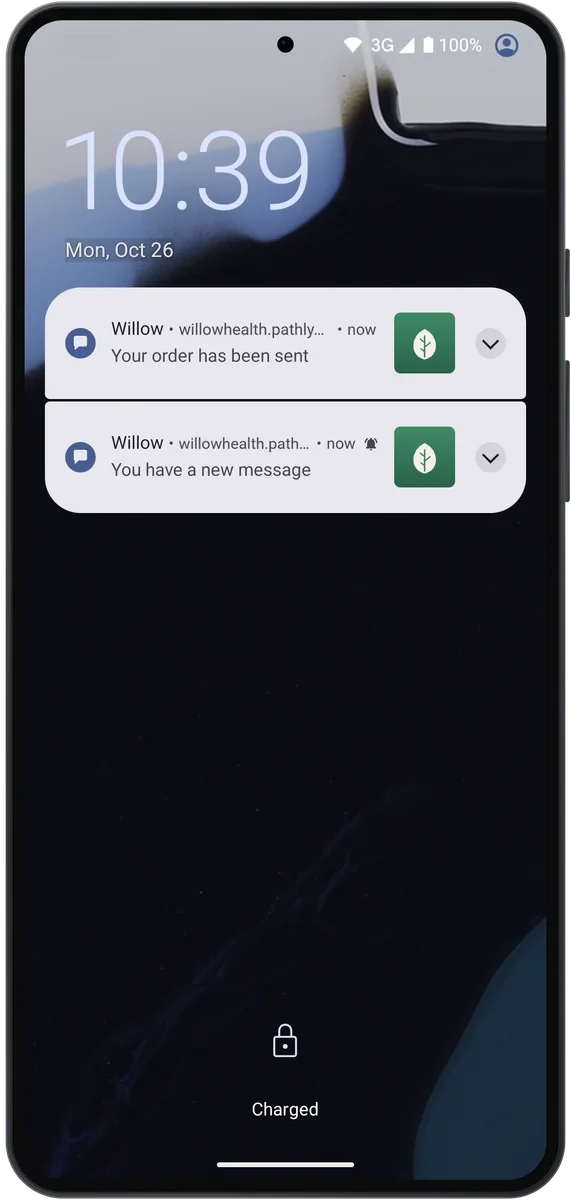
The path
Choose your model and register
Decide who prescribes and who dispenses, then register with the right regulator: CQC, the GPhC or the regulator in your nation.
Bring your prescribers
Onboard them on Pathlyn; their registration is verified before they can decide or sign. Short of prescribers? Pathlyn’s own network can add capacity by arrangement.
Choose your pharmacy
The Pathlyn pharmacy network, or your own pharmacy, for each service.
Make the service yours
License a service, change what you need, set your prices and messages, and sign off each section, its risk assessment included.
Go live and market your clinic
Sign your agreement with Pathlyn, pass the go-live checks and have your Clinical lead publish your service. Then link your website to your portal and start telling people about your clinic.
Product tour
Captured from the running product in a fictional demo clinic.
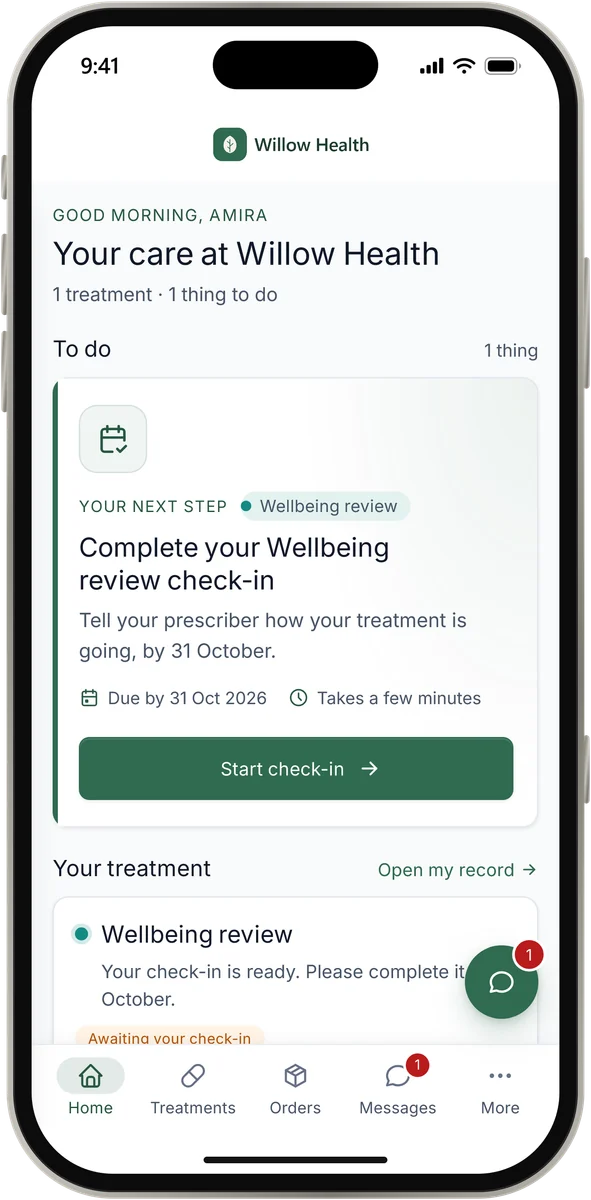
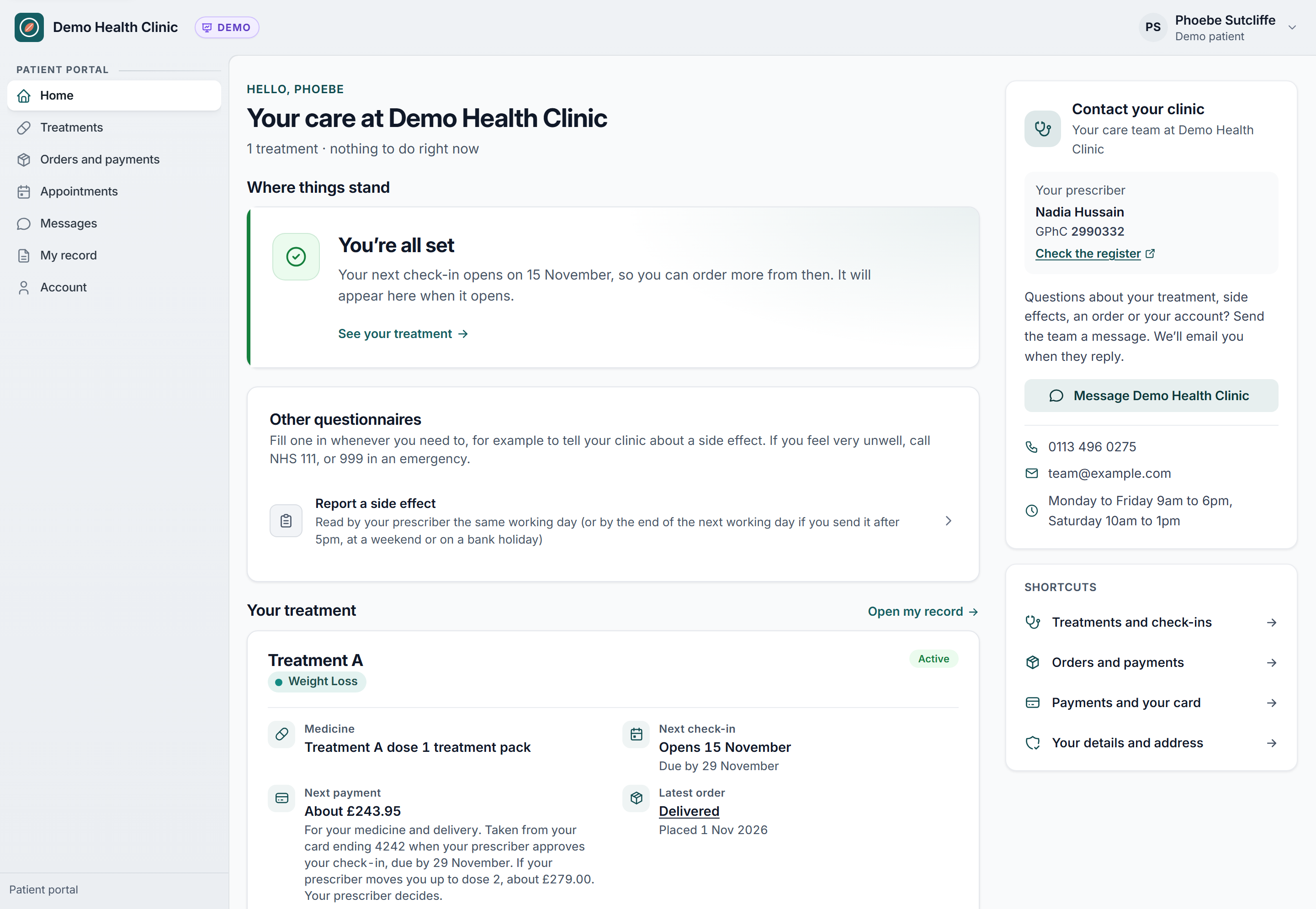
What to do next, their treatment and their prescriber with a link to the register, and one tap to message your team.
Captured from the running product · fictional demo clinic
Questions
Tell us what you want to launch and we will show you the platform with your service in it.