Independent verification
A first supply waits for a recorded verification: by video, in person, from clinical records, with the GP or from a previous provider. For a higher-risk service it cannot be switched off.
For online pharmacies
Run online prescribing and dispensing from your own registered pharmacy, under your brand. Pharmacist prescribers work from one workspace; your team dispenses, labels and sends from your Pharmacy portal; every order keeps the evidence the GPhC asks to see.
Built for distance-selling pharmacies
The GPhC’s guidance for pharmacy services at a distance (February 2025) sets what an inspector looks for. Pathlyn makes each of those things part of how an order moves.
Independent verification
A first supply waits for a recorded verification: by video, in person, from clinical records, with the GP or from a previous provider. For a higher-risk service it cannot be switched off.
Two-way communication
The prescriber can record how they spoke with or messaged the patient for each order; when the answers report a red flag, a recorded two-way contact is required before approving.
“Who looks after you”
Your portal’s public pages show the prescribers, their registration with a link to the register, your registrations and the dispensing pharmacy. Your website can show the same panel.
A Pharmacy portal
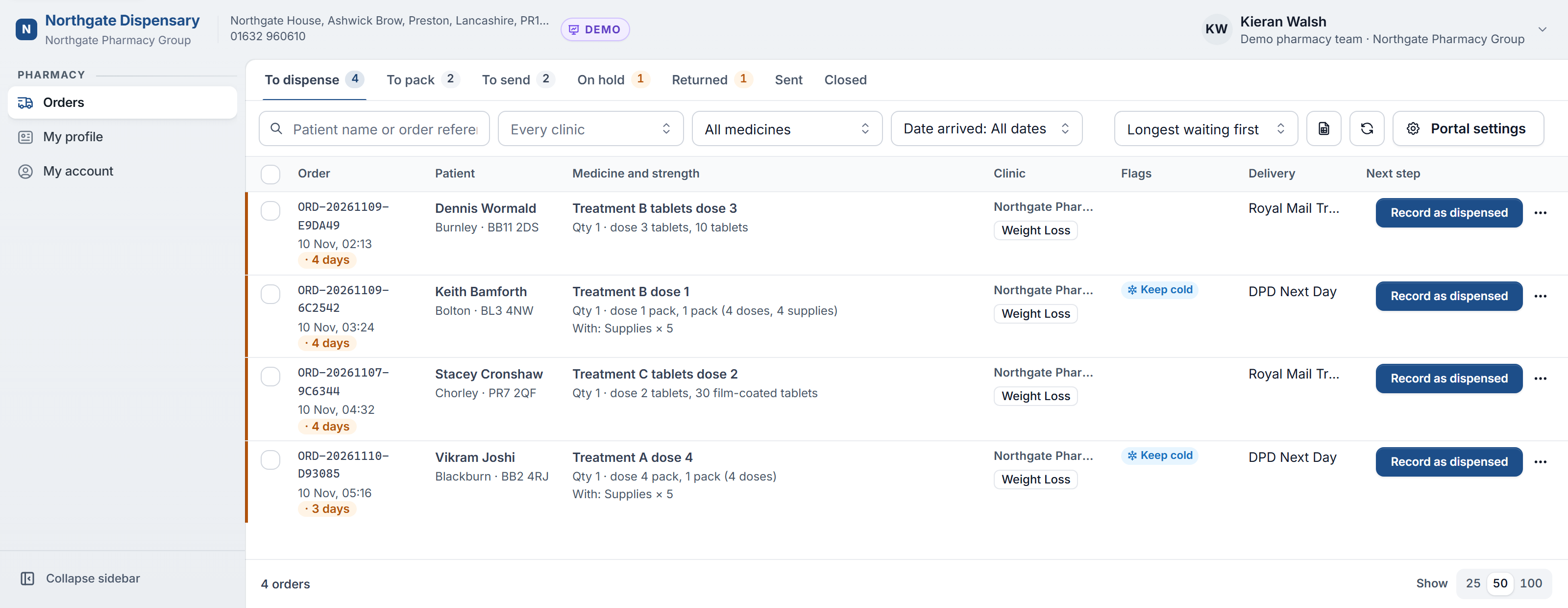
Find or scan an order, then dispense, pack and send. Dispense a batch of one medicine and strength under one pharmacist check, with their GPhC number and the batch’s expiry on record. Print the signed prescription and a packing slip, then post with your own carrier or a Pathlyn label that never names the medicine.
The same patient twice
Accounts that share a name and date of birth, an email, a phone, a card or an address are flagged at review and in Decide, with the other account’s supplies.
Risk assessment per service
A 5×5 register for each service, with controls linked to the settings that deliver them, signed off by your Clinical lead.
NewPatient app
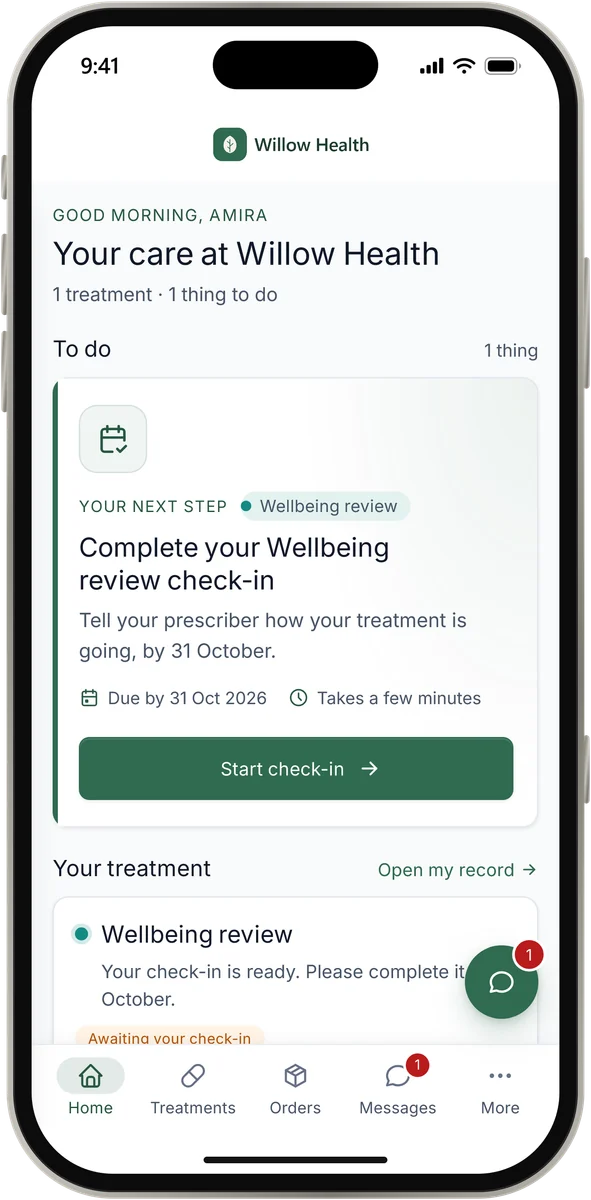
Patients install your portal as an app in your pharmacy’s name, open it with a face, fingerprint or PIN, and hear when there is news about their order, without the lock screen saying what it is.
Included at no extra cost. No app store.
See the patient app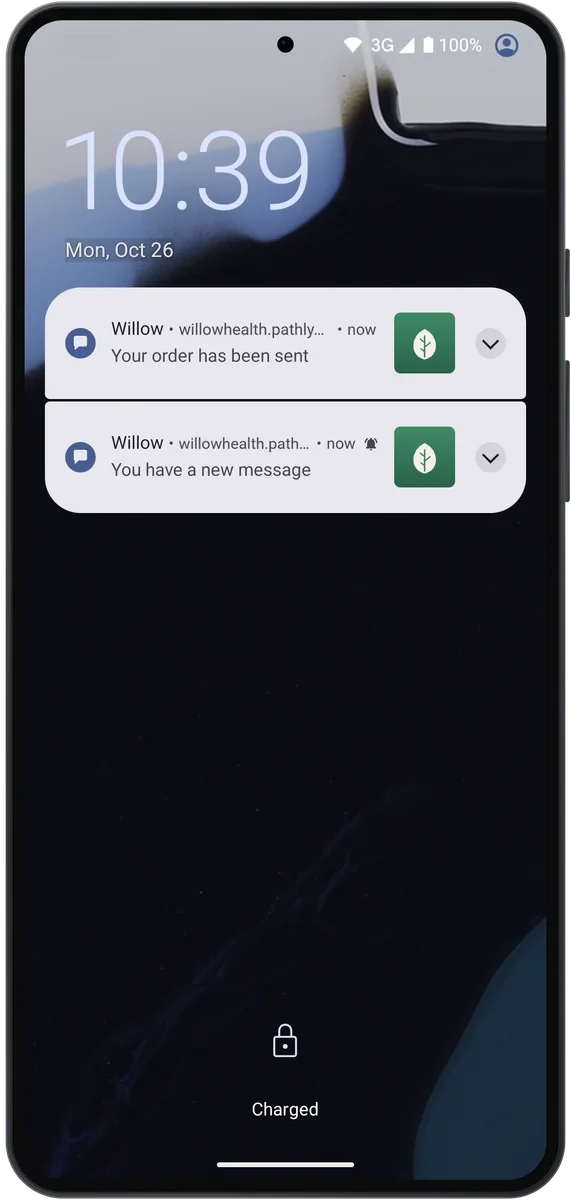
Who does what
Your pharmacy
Your registered premises, your pharmacist prescribers and your dispensing team.
Pathlyn
The patient-facing service, the workflow between your people and the record of every step.
Before the prescriber
For the prescriber
After the decision
All the time
Pathlyn never prints a dispensing label: that is your pharmacy system’s legal record.
Product tour
Captured from the running product in a fictional demo pharmacy that dispenses its own orders.
Every signed order by step, filtered by medicine for a batch, cold-chain items marked, and the prescription, label and packing slip printed from the order.
Captured from the running product · fictional demo clinic
Questions
A demo with your services, your prescribers and the way you dispense.